The approval rule, line by line
An open-source approval gate in front of every support reply
The approval rule decides what an AI customer service agent may send before a person sees it. In Kortix the gate is a policy block in the project manifest, and a project with no block holds nothing. Kortix is the open-source AI Operating System: your agents, skills, memory, and connectors in one repo you own.
Open source · Self-host is free · The policy block sits in `kortix.yaml`
policy: default_mode: riskpolicies: - match: gmail.send_email action: require_approvalSource: https://kortix.com/docs/project/manifest
The four decisions in the block
Four parts of one policy block, copied from the manifest reference.
policy: default_mode: riskSource: https://kortix.com/docs/project/manifest
policies: - match: gmail.send_email action: require_approvalSource: https://kortix.com/docs/project/manifest
conditions: - arg: to match: "*@example.com"Source: https://kortix.com/docs/project/manifest
approvals: ttl: 4hSource: https://kortix.com/docs/project/manifest
What a policy block decides before a reply leaves
A support agent is the first AI agent most support teams let near money. A refund, a plan change, a corrected invoice: each is a connector call. Each is also a place where a person used to be in the loop. The approval rule is the part a security reviewer reads first. It decides which of those calls a person sees before they run.
In Kortix the rule is a block in kortix.yaml, the manifest at the root of the project repo. It sits beside the agents and their connectors. A new project sets allow_all as its default mode. A call no rule matches simply runs, so a team that never writes the block has no gate.
Setting default_mode: risk runs a read and holds a write or destructive call for a person. That one line turns the block into a gate. It catches the writes nobody thought about when the connector was connected.
Rules then narrow the gate. A rule matches a tool path such as gmail.send_email with action: require_approval or action: block, and conditions limits it to calls whose arguments match. Four decisions follow from that sentence: the default mode, the tool, the arguments, and how long a hold waits.
The manifest example takes a second pass, because order carries meaning. Kortix checks project rules first, then the connector's own rules. The first match wins. The first rule in the block holds a send to an internal address. The second rule has no condition, so every other send on that tool is blocked. The mode then decides whatever neither rule names, which is why a support agent wants risk underneath its rules.
What a hold looks like from the customer's side
A held call waits for a decision. The send does not go out while it waits, and it runs once a person approves it. So on a sensitive ticket the customer sees one of two things: a reply someone read first, or a wait.
That is the trade a support lead makes. A gate on every write costs first-reply time on the tickets that need a person anyway. It saves the ticket where an agent would have refunded the wrong invoice at 2 a.m. Most teams land in the middle: gate the tool that moves money, leave the read-only lookups alone.
When nobody answers
approvals.ttl sets how long a held call waits for a decision. It takes an integer and m, h or d, such as 30m, 4h or 7d. Kortix clamps it to 5 minutes through 30 days. Without it, or with any other value, a held call waits 24 hours. A held call that nobody decides in time expires.
Expiry is the part to plan for. A hold that runs out ends without a decision. The call never runs, and the thread waits for a person in the morning. So set the TTL from the queue's own rhythm. Four hours matches a shift. A week suits an inbox that gets three refund requests a month and no night cover.
Why the argument condition matters more than the inbox
A rule written against an inbox holds one mailbox. A rule written against the call's arguments holds the recipient, the invoice, the account: the things that go wrong. conditions is where that distinction lives. All conditions of a rule must hold before a call matches.
The same mechanism blocks as well as holds. action: block on the same tool, with no condition, closes the path the held rule does not cover. A reviewer can read that policy in ten seconds. Hold this one thing for a person, refuse the rest, and let the mode decide the calls neither rule names.
What the record holds, and how the gate changes
Every action is recorded. Reading, exporting and streaming the audit log depend on the plan. So the reviewer's question is which plan lets them read the log, and who can export it.
The rule is a file in the repo, so it gets reviewed twice. Nothing merges itself: work reaches the default branch through a change request a person approves, unless an admin granted the merge capability. Then again when a support lead opens the block and asks why the second rule has no condition.
Four questions for any vendor
Most support agents on the market come with a helpdesk or a ranking. Their pricing pages answer a different question. Intercom's Fin AI Agent is $0.99 per outcome, with a $49 a month minimum that includes 50 outcomes, and no seat costs for Fin (fin.ai/pricing, checked October 2026). That price tells you what a resolved conversation costs. It does not say which writes a person sees, so ask:
- Is the gate on in a new project, or does it need a setting?
- Which arguments can a rule match, and which can it not reach?
- How long does a hold wait, and what happens on expiry?
- Who can read the decision afterwards, and on which plan?
A vendor that answers all four in one page is telling you the gate is real. Read the docs for the keys behind each answer. Then write the block, commit it, and let the agent work the queue with one hand on the money.
The support flow the gate sits inside
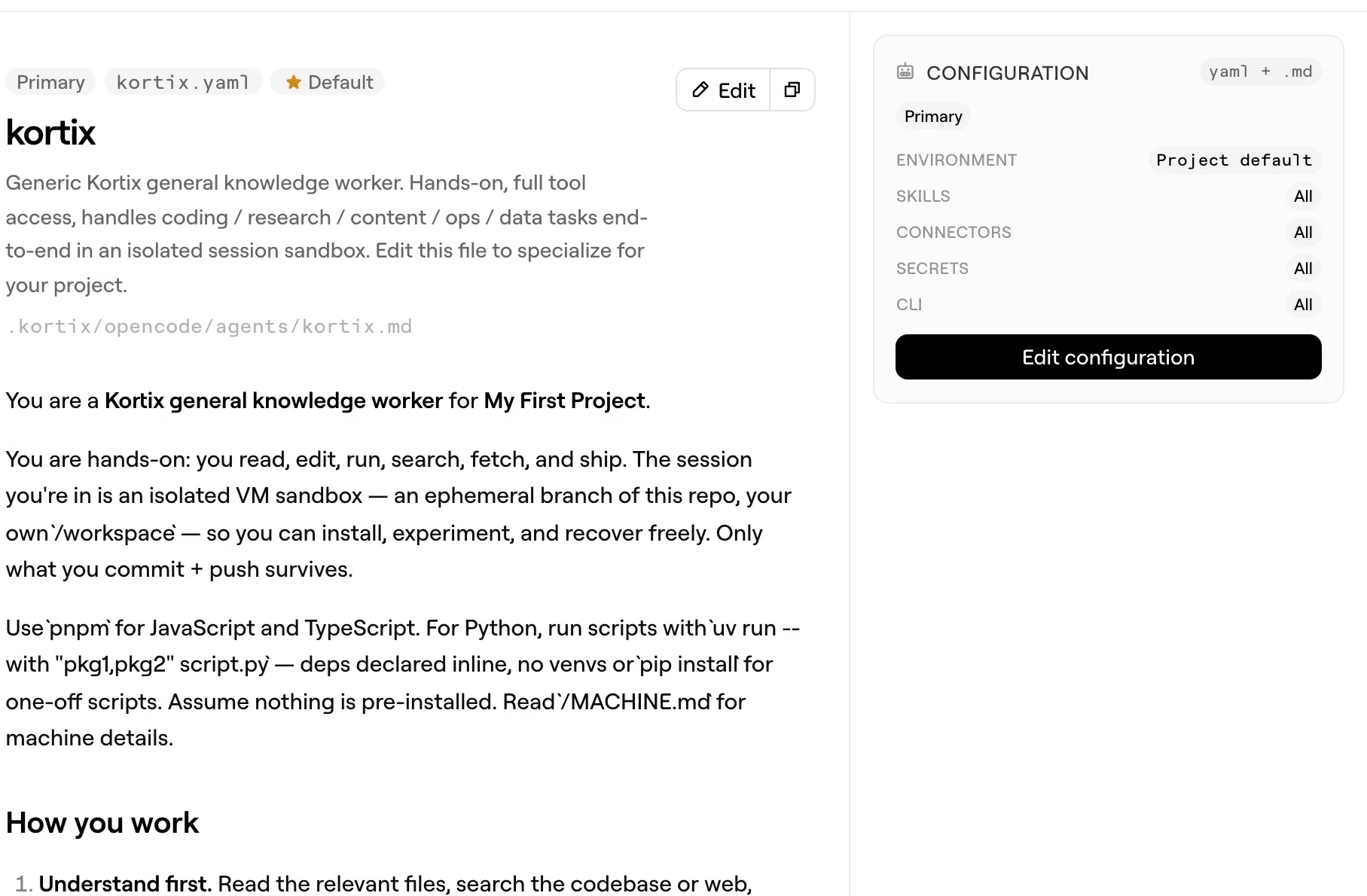
Our support inbox in Plain is connected to an agent running on Kortix.Every inbound thread spawns its own isolated session with scoped accessto the systems a support issue can touch: the product's knowledge,the codebase, and Stripe. It investigates, resolves what it can, andstops at a human for sensitive actions.Source: https://kortix.com/markdown/use-cases/customer-support.md
The paragraph Kortix uses to describe its own support agent, which holds sensitive actions for a person.
Two things the block does not tell you
- Does `kortix validate` catch a broken policy rule?
- No.
kortix validatedoes not checkpolicyorpolicies; when Kortix syncs connectors it skips a malformed rule and reports a connector sync error, so check the rules in the connector settings after the merge. - Can one rule cover several tools of a connector?
- Yes. A rule matches a fully qualified tool path,
<connector-slug>.<tool>, with*globs, so one rule can cover the tools of a connector instead of one line per tool.
Write the block, then let the agent work the queue.
One rule on the tool that moves money, and a TTL a shift can meet.